
OpenBIM/IFC with VinaBIM: Model Review to BCF Issues
OpenBIM/IFC with VinaBIM: Model Review to BCF Issues
An architect sends RVT, a structural consultant delivers IFC, and an MEP contractor shares NWD. The coordination challenge is not merely opening three file types. The team also needs reliable object information, meaningful clash findings and a way to pass issues to the right discipline. That is where OpenBIM and IFC become a workflow rather than a checkbox on a file-format list.
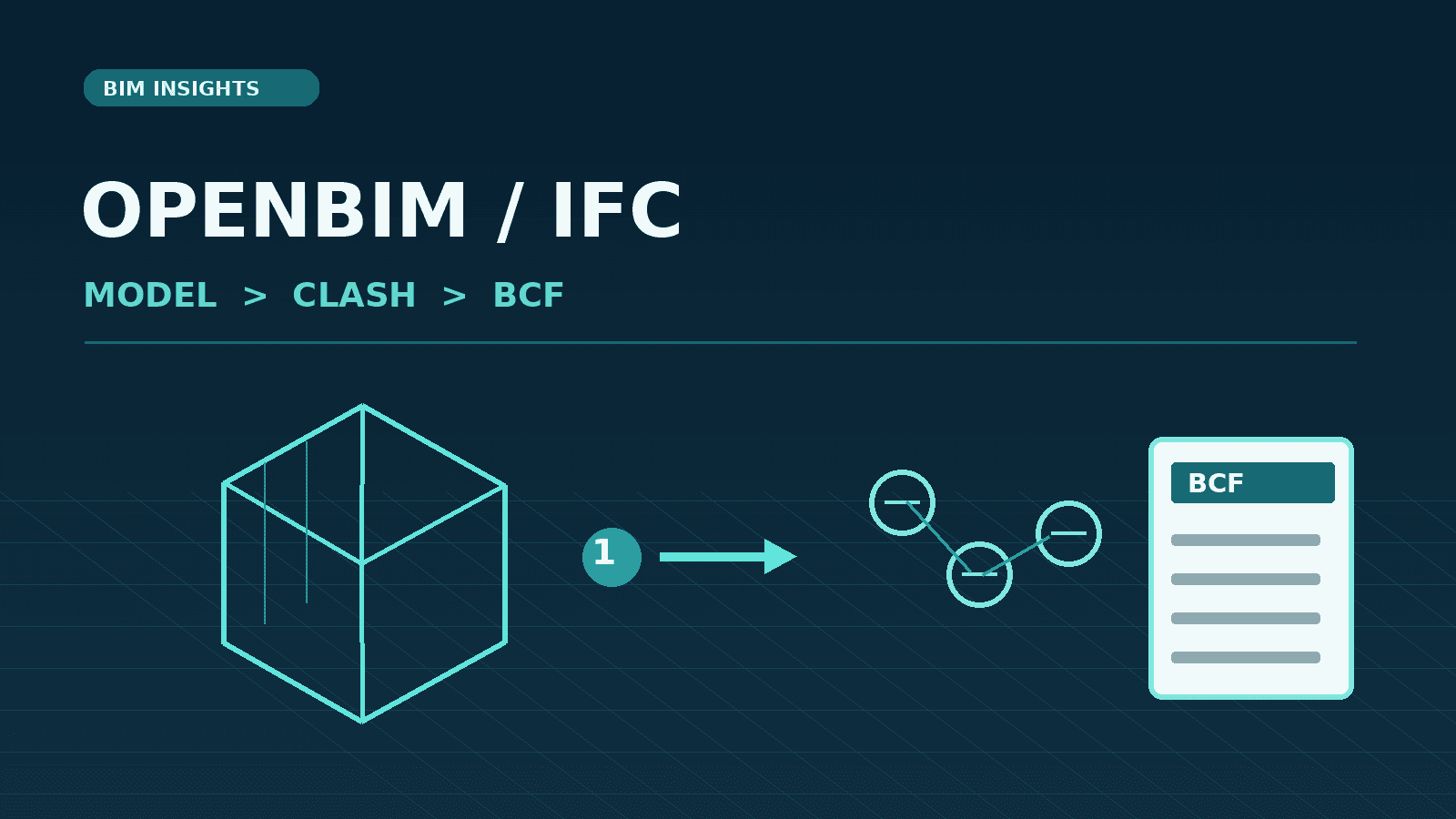
Key takeaway
IFC carries model information across applications; BCF communicates issues and viewpoints associated with model elements. VinaBIM 2026.10 publicly lists IFC viewing, cross-format clash detection and BCF export as available capabilities. Their suitability still needs to be tested on actual project data and the installed version.
Why OpenBIM matters when disciplines use different applications
Most coordinated projects are not built around a single authoring application. Architecture, structure and building services teams often produce their information using different tools and different internal rules. The critical moment arrives at exchange: do the models use matching coordinates and units, are components classified meaningfully, and can reviewers explain an issue without sending ambiguous screenshots?
Industry Foundation Classes (IFC), maintained by buildingSMART, provides an open international framework for exchanging BIM objects, relationships, property sets and quantities. The official IFC 4.3 publication aligns with ISO 16739-1:2024 and extends the standard's coverage for infrastructure information.
However, readable IFC geometry does not prove that the exchange is complete. A wall can look correct while missing a required property. A service element may be displaced because of an origin or unit mismatch. Geometry, identifiers, classification and business-required values must be checked against the agreed exchange requirements.
OpenBIM is therefore best understood as a basis for verifiable interoperability, not a promise that every program reproduces every proprietary modeling feature in exactly the same way.
What VinaBIM 2026.10 publicly lists for an IFC coordination workflow
The VinaBIM 2026.10 feature matrix identifies direct RVT/RFA/RTE opening, IFC and Navisworks NWD/NWC viewing, 3D/2D navigation, property inspection, multi-format clash detection, and BCF issue export as available. It also lists IFC, JSON, DWG and PDF among supported outputs.
Those are vendor-published release claims, not first-hand test results from this article. Results in production depend on model quality, version compatibility and the project's exchange setup.
The same matrix labels Schedule/CSV, dimensions, text, sheets and selected editing operations as in progress. Advanced parametric authoring and complete technical documentation are not presented as released replacements for specialist authoring tools. A viewer, coordination layer and full design authoring environment perform different jobs and should not be marketed as interchangeable.
For a useful product evaluation, choose one representative model set and verify three outcomes: the elements and properties you can identify, the clashes that can be reviewed, and whether the exported BCF issue can be understood by the receiving team.
A practical IFC-to-BCF coordination scenario
INPUT | VERIFY | CLASH | BCF |
| Confirm IFC/RVT/NWD and revisions | Inspect coordinates and properties | Review actionable conflicts | Exchange and confirm issues |
Step 1 — Confirm model revision, coordinates and units
Consider a structural IFC, an MEP NWD and an architectural RVT. Before anyone runs clash detection, establish which versions are approved, where the shared origin sits, what units the exports use and how the storeys line up. A false clash caused by incorrectly aligned models tells the team little about the actual design.
Step 2 — Inspect model data, not just colors and shapes
Take a beam, a duct and a pipe as sample objects. Check identity, discipline, type, location and the relevant dimensional properties. Record missing or inconsistent fields. IFC property sets can organize these values, but their presence in the received exchange depends on the original model and export configuration.
Step 3 — Turn a geometric conflict into an actionable issue
Imagine a duct passing through a reinforced-concrete beam. The reviewer should distinguish an unintended penetration from an approved opening. An actionable issue needs the related components, location, discipline owner, decision required and priority. A red circle on an image does not provide enough information for a reliable coordination record.
Step 4 — Exchange the issue in BCF and verify the handover
BIM Collaboration Format (BCF) is buildingSMART's open standard for model-based issues. It can carry topics, comments, viewpoints and model-element references. BCF is not a substitute for the IFC model and does not correct geometry by itself. The recipient still needs access to the appropriate reference model and must verify that the issue resolves to the expected place and objects.
In VinaBIM, a responsible acceptance test would use the advertised BCF export on a known clash, then open that issue in the receiving coordination tool. The workflow is complete when the recipient understands and can act on the issue—not simply when an export file has been created.
IFC, BCF and IDS are complementary, not interchangeable
Standard | Core job | Acceptance check |
|---|---|---|
| IFC | Exchange model structure, elements and properties | Are geometry, units, classification and properties correct? |
| BCF | Exchange issues, comments and model viewpoints | Can the recipient locate and understand the issue? |
| IDS | Specify machine-readable information requirements | Does the model meet the required information fields? |
buildingSMART announced IDS 1.0 as a final standard on June 4, 2024. IDS can help make IFC information requirements testable. However, there is no verified evidence in the cited VinaBIM matrix that automated IDS validation is released; that must be assessed separately, not inferred from the ability to open IFC files.
Put simply, IFC provides the model and its data, BCF provides the coordination conversation, and IDS defines what the information delivery should contain. Understanding that division makes a cross-platform BIM workflow easier to design and audit.
A six-point acceptance checklist for IFC review in VinaBIM
Check | Question | Evidence to retain |
|---|---|---|
| Input | Are all files the agreed revisions? | File names, issue dates and owners |
| Geometry | Do origins, storeys and units align? | Control points and reference dimensions |
| Properties | Can required object fields be retrieved? | Element IDs and property values |
| Clash | Is the conflict real and actionable? | Object pair, location and severity |
| BCF | Can the recipient reopen the issue correctly? | Exported issue and receiver check |
| Release | Is each feature released or still in progress? | Version number and feature matrix |
A test record should contain more than a pass/fail label. Keep the sample files, issue identifiers, reviewer, expected result and observed behavior. Repeating the same test after a new model version helps detect regression and makes a future rollout decision much more defensible.
Use only project data cleared for this purpose. Remove client names, internal file paths and personal details from any screenshot intended for public marketing.
Conclusion
OpenBIM goes beyond simply exchanging models between different software platforms. It aims to establish a transparent, verifiable, and traceable collaboration workflow. Within this framework, IFC enables model data exchange, BCF supports issue management and communication, while IDS defines the information requirements that models must meet.
With the features announced in version 2026.10, VinaBIM supports several key stages of the OpenBIM workflow, including multi-format model viewing, property inspection, Clash Detection, and BCF issue export. These capabilities provide a foundation for BIM Coordinators and BIM Managers to evaluate, test, and establish collaboration workflows that meet their project requirements.
Explore VinaBIM for OpenBIM workflows
Review VinaBIM's published model viewing, coordination and data exchange capabilities, then evaluate their fit using your own representative BIM files.
FAQ — Frequently asked questions
Is IFC a full replacement for an RVT file?
No. IFC is an open exchange format; software-specific parametric behavior and certain proprietary information may not transfer in an equivalent way. Test against the intended receiving workflow.
Does a BCF file contain the complete model?
Usually not. BCF carries issue context and references to model objects or viewpoints. Teams must also access the appropriate model versions.
Does VinaBIM support cross-format clash review involving IFC?
The published VinaBIM 2026.10 feature matrix marks clash detection across RVT, IFC and NWD/NWC as available. Project-level acceptance still requires a reproducible test.